RAW digital photography gives you the flexibility to fine-tune your images and make precise corrections, allowing you to get the most out of every shot.
Often, we shoot a large number of photos, and our first challenge is managing that volume efficiently.
Lightroom is a software designed to process the RAW files from your digital camera—the native files that haven’t been altered by the camera, and therefore contain the most information.
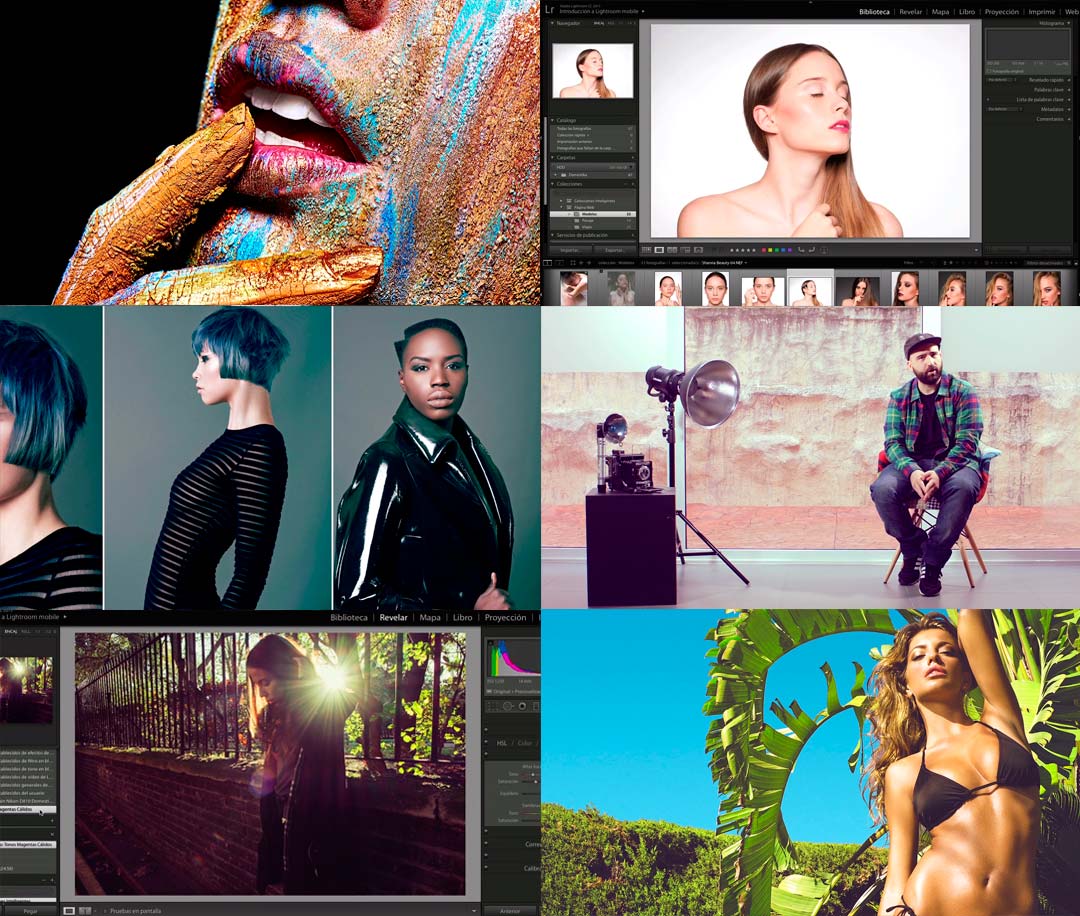
In the RAW File Processing with Lightroom course, you’ll gain the skills you need to work with your images quickly and effectively.
RAW File Processing with Lightroom
This course will teach you how to process your photos and create presets to speed up your workflow when handling large batches of images—all at once.
Pretty cool, right?
What will I learn in the RAW File Processing with Lightroom course?
You’ll learn how to process your photos efficiently and create presets that help you handle large volumes of images simultaneously.
You’ll also discover how to correct and synchronize adjustments across batches of photos, so your workflow stays fast and consistent.
This course takes you from the basics to everything you need to know to use Lightroom like a professional batch photo editor.
How will I learn?
In the RAW File Processing with Lightroom course, you’ll start from scratch and learn how to use Lightroom step by step.
First, you’ll get familiar with the Lightroom interface and take a tour through its settings, libraries—viewing, filtering, tagging, renaming, moving, collections, metadata, keywords, face detection—file management, and catalogs.
Once you’re comfortable navigating Lightroom, we’ll show you how to use its core features:
- Camera calibration
- Editing tools
- Curves
- Black and white processing
- Presets
- Batch processing
Finally, you’ll learn how to export your finished images from Lightroom for print, web, or projection.
All with professional-quality results.
What do I need to take the course?
No prior experience with Lightroom is required—this course is designed for beginners.
You’ll need a camera, a computer, and both Photoshop and Lightroom installed. If you don’t have the software yet, you can download trial versions.
Who is the instructor?
Your instructor is Edu Gómez, a beauty and commercial photographer.
Edu specializes in Photoshop and digital retouching, and is also the founder of Hangover Magazine.
Who is this course for?
The RAW File Processing with Lightroom course is ideal for photography enthusiasts and creatives in general, but is especially useful for:
- Graphic designers
- Photographers
- Creatives
If you’re looking to boost your résumé, don’t miss this Lightroom processing course.
About Domestika
Domestika courses can be paid for with any Visa, MasterCard, or American Express credit or debit card.
You can also pay using your PayPal account.