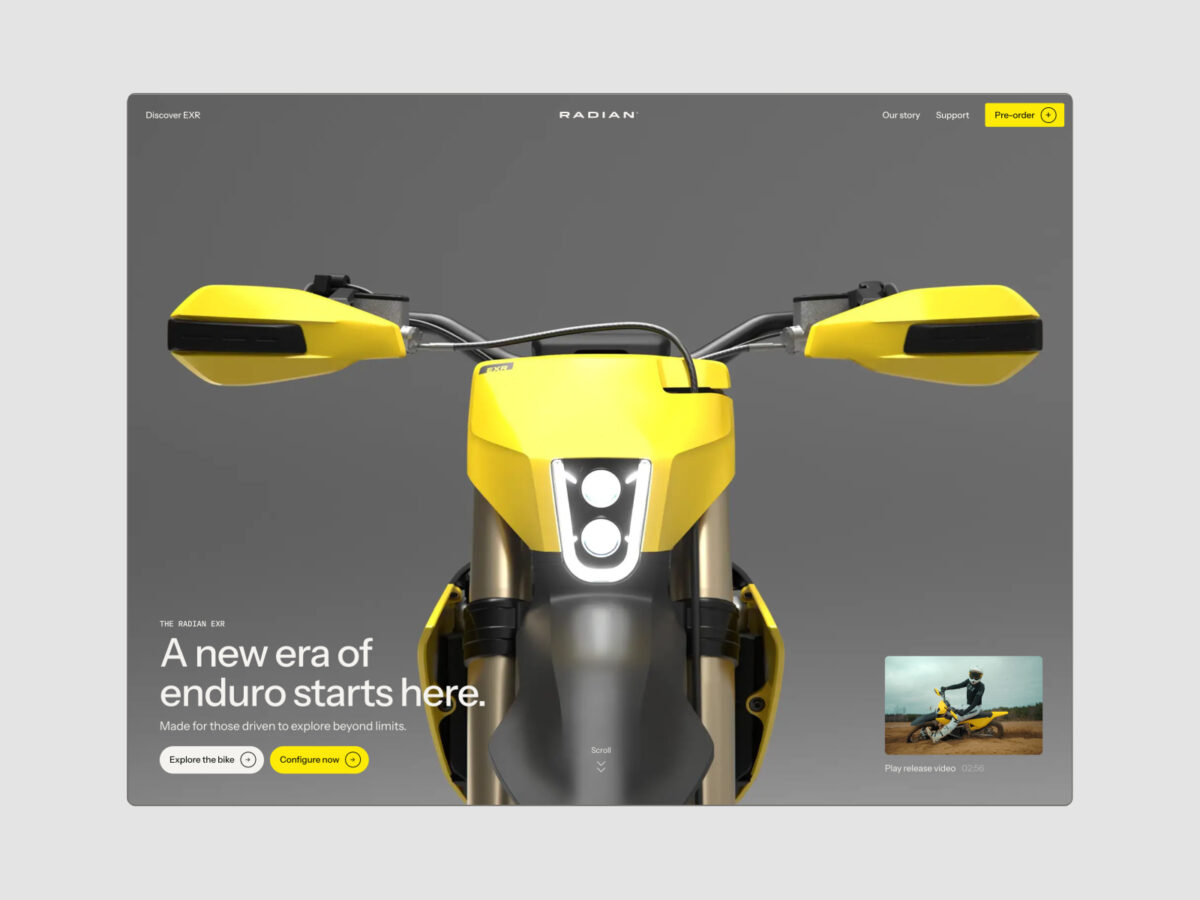
The arrival of smartphones marked a revolution in the world of web design. Suddenly, everyone wanted to be the first to create websites with responsive web design. It seemed like magic: resizing the browser would instantly adapt the entire site to the new resolution, even changing the site’s structure.
When we showed this to clients—hard as it may be to believe now—they were usually amazed. This wasn’t so long ago, but today, responsive design has become the norm.
Still, there’s plenty of work to be done in the field of responsive web design. We can’t just rely on a CSS framework like Bootstrap and expect it to do all the heavy lifting. If we want to truly connect with the end user, we need to deliver a user experience tailored to their device. That means understanding how users interact with their devices and the mindset they bring to browsing.
If someone is at a desktop, we need to consider the mouse as the main navigation tool. On a smartphone, navigation is touch-based, so our web design must make that as easy as possible.
Keys to Effective Responsive Web Design
Navigation Menu
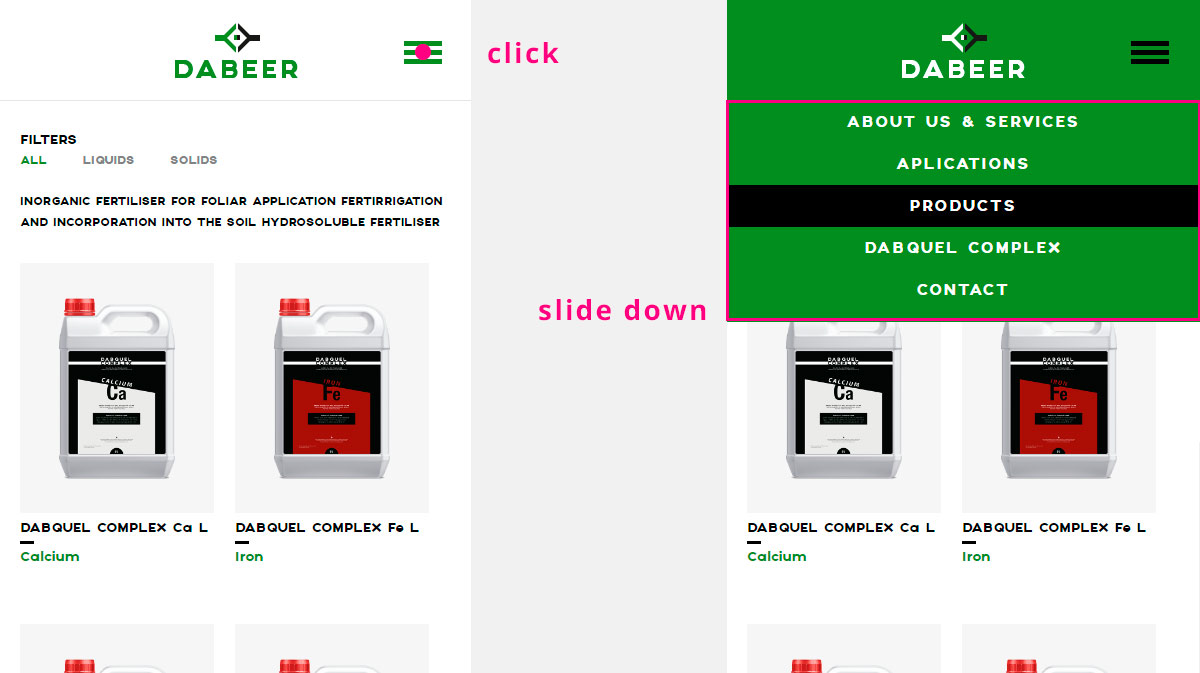
It’s essential that the navigation menu is easy to use. This can be achieved with a simple button to expand the menu in your web design, whether it slides out from the side or drops down. This approach saves space and keeps things tidy for the user.
Flexible, Consistent Images
We need to ensure that all images in our design are responsive. They should display correctly whether on a 27″ monitor or an iPhone.
While this is a basic requirement, what’s often overlooked is maintaining consistent proportions. Images should match the orientation of the device or screen. For example, if you use a very wide image on the desktop version, it may appear as a thin strip across the smartphone screen—usually not ideal.
The best solution is to provide an intermediate size or swap out the image for smartphones.
Order and Hierarchy
The order of each section in your web design is crucial. When the layout shifts to a single column on mobile, you need to plan the sequence in which users see your content, placing the most important sections at the top.
Less is More
Continuing from the previous point, when designing for smartphones, it’s best to remove sections that aren’t relevant for mobile users. For example, typical footers can be omitted entirely, or at most, replaced with a single line of contact information.
Leverage All Available Tools
When designing the mobile browsing experience, it’s vital to take advantage of all the extra features available. For instance, if you include a contact map on desktop, on mobile you could add a button to open the GPS navigation app. You can also add click-to-call buttons to make things easier for users.
Other Interesting Facts
Current data shows that more users now visit websites from mobile devices than from desktops. The numbers: 51% of visitors use mobile, 42% use desktop, and the remaining 7% use other types of devices.
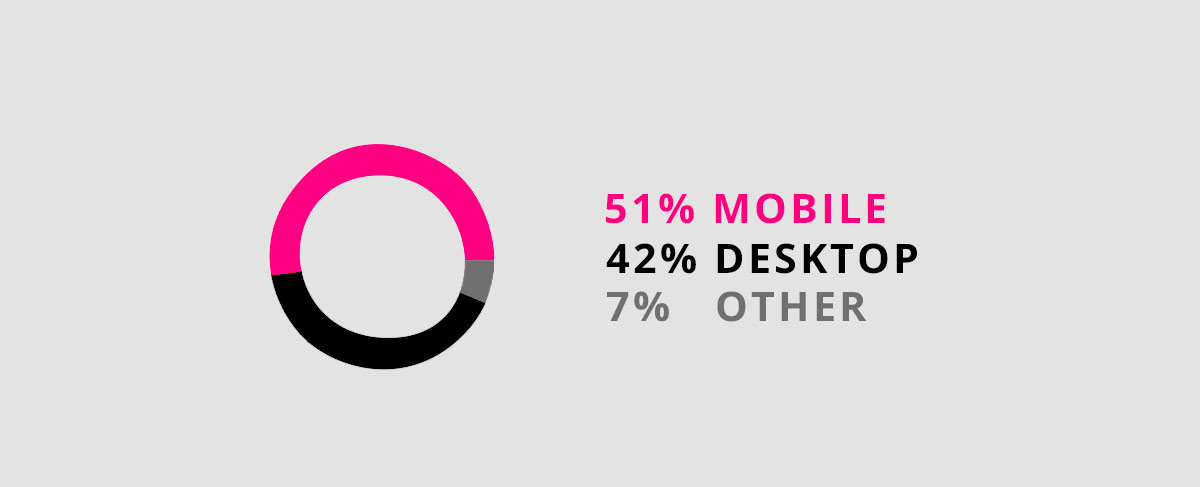
- 51% of visitors use mobile
- 42% of visitors use desktop
- 7% use other devices