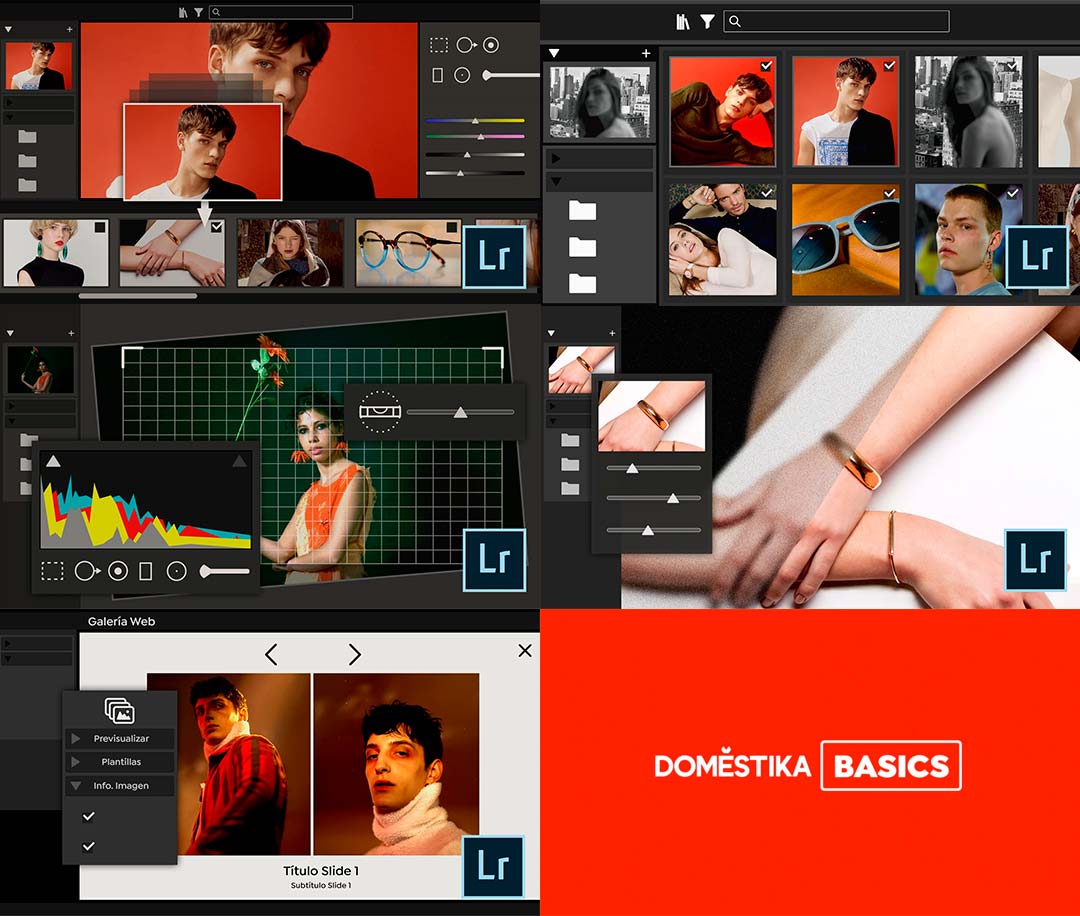
With the Introduction to Adobe Photoshop Lightroom course, you’ll learn everything you need to become a productive and efficient photographer.
The Introduction to Adobe Photoshop Lightroom course is part of the Domestika Basics series, so you don’t need any prior experience to get the most out of it.
Introduction to Adobe Lightroom Course
Learn how to edit, organize, and share your photos like a pro in this course designed for photographers and creatives looking to streamline their workflow and master batch processing.
Top-notch!
What will I learn in the Introduction to Adobe Photoshop Lightroom course?
The Introduction to Adobe Photoshop Lightroom course includes:
Course 1 – Navigating the Interface
Course 2 – Library Module
Course 3 – Develop Module I
Course 4 – Develop Module II
Course 5 – Presentation Modules
With this curriculum, you’ll become an expert in Adobe Photoshop Lightroom and learn how to efficiently process large batches of images.
What do I need to take the course?
All you need is a personal computer running Windows 10 or macOS 10.12 Sierra or later.
Adobe Photoshop Lightroom installed—even the trial version is fine.
Is this course for you?
This course is designed for users with no prior experience in Adobe Photoshop Lightroom, as well as professionals looking to strengthen their digital skills.
- Graphic Designer
- Photographer
- Art Director
- Advertising Professional
- Creative
If you want to stay ahead in today’s world, building a strong résumé is key to becoming a creative professional.
Who is the instructor?
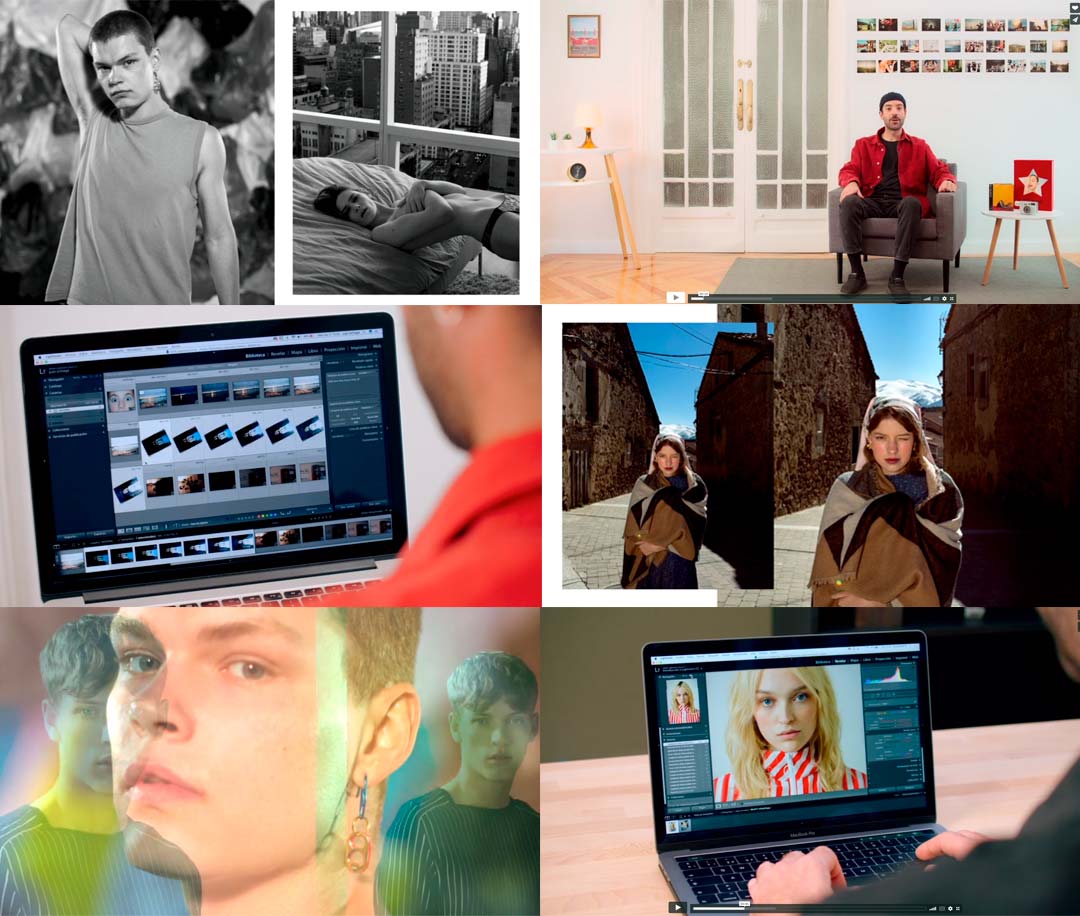
Juan Achinga will guide you through everything you need to master the leading software for photo editing and post-production.
A bit about Juan: he’s a photographer and videographer with a Master’s in Digital Photography from the School of Visual Arts in New York!
With over 10 years of experience, he has worked as a studio assistant, advertising photographer, and video director for clients such as:
- Samsung
- Adolfo Dominguez
- Multiópticas
He combines his creative work with teaching photography and Photoshop at IED Madrid since 2016.
There’s no one better to reveal all the secrets of this course and the profession.
Sign up now!
About Domestika
Domestika Basics courses are designed to teach you how to use the most popular creative software used by professionals worldwide.
They’re perfect for beginners starting out in a creative field, as well as professionals looking to refresh or enhance their digital skills.